AI to DST | Convert AI to DST Online Free
Don't let auto-converters ruin your clean vector lines. Get your Adobe Illustrator (.ai) files manually optimized for embroidery machines by experts.
What is an AI file?
AI (Adobe Illustrator) is a vector format made of mathematically defined paths. While it's perfect for print, it lacks the specific 3D stitch data required for embroidery machines (like density, pull comp, and underlay).
What is a DST?
DST (Data Stitch Tajima) is a machine command format. It translates your vector shapes into physical needle coordinates (X,Y axis), telling the machine exactly how to build the design with thread on fabric.
The Conversion
You cannot simply "export" AI to DST in Illustrator. The design must be digitized—re-plotted in specialized software where we assign stitch types (satin, tatami) to your vector paths.
How to Convert AI to DST Online
The professional workflow from vector design to production-ready embroidery file.
1. Upload AI File
Submit your Adobe Illustrator (.ai), EPS, or PDF file.
2. Vector Analysis
We review your vector paths for embroidery suitability.
3. Manual Digitizing
We map stitches to your vector nodes precisely.
4. Download DST
Get your tested .DST file within 24 hours.
Why Vectors Make Better Embroidery
AI (Adobe Illustrator) files are mathematically defined paths. This is superior to pixel-based images (like PNG) because it gives our digitizers perfect clarity on your design's edges and curves.
However, a "Save As" function doesn't work. Embroidery requires physical properties to be assigned to those mathematical paths:
- Satin vs. Tatami: Deciding which stitch type fills the shape best based on size.
- Pull Compensation: Expanding vector shapes to account for thread tension pulling the fabric.
- Sequence: Ordering objects to minimize color changes and trims, which vectors don't have.
Supported Formats
Why Choose Our AI to DST Service?
Professional results for professional vector files.
Fast Turnaround
Standard delivery in 24 hours. Rush available.
Flat Rate Pricing
No hidden fees. One simple price.
Free Revisions
Until you're 100% satisfied.
All Formats
DST, PES, JEF, EXP & more.
From Vector to Stitches in 3 Steps
Upload AI/EPS
Drag & drop your vector file. We accept AI, EPS, PDF, and SVG.
We Digitize
Our expert team manually converts vector paths to stitch commands.
Production Ready
Receive your DST file, ready to sew on Tajima, Brother, and more.
Perfect for Every Embroidery Project
Whether you run a commercial embroidery shop or need a one-time job, our AI to DST conversion works for all use cases.
Corporate Branding
Exact color matching for company logos from vector branding kits.
Hats & 3D Puff
Vectors allow us to create perfect underlays for structured caps.
Large Back Designs
Scale your vector art to any size without pixelation before we digitize.
Team Uniforms
Clean, sharp text names and numbers derived from vector fonts.
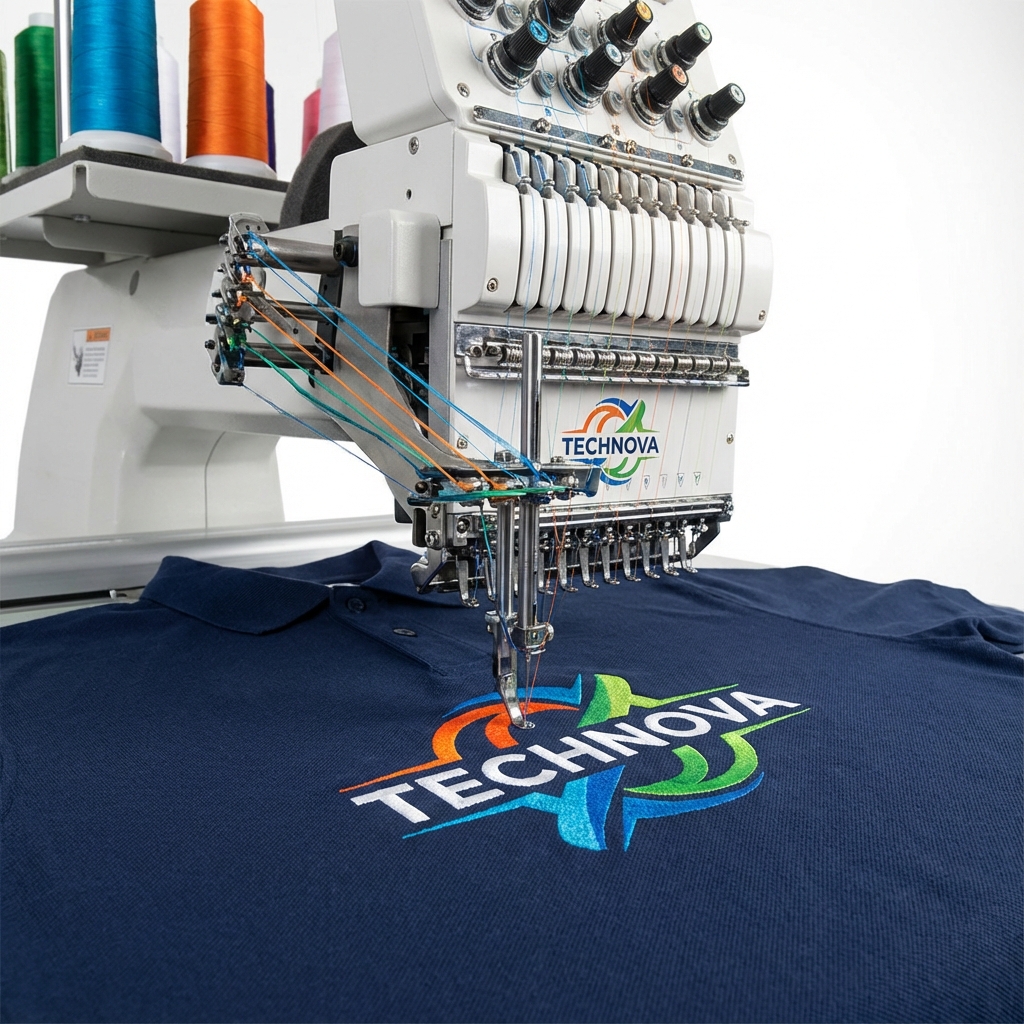
Trusted by Embroidery Professionals
From small shops to large apparel brands, we deliver production-ready files that stitch perfectly every time.
"Finally, a service that understands vectors."
"My AI files usually get messed up by auto-converters. These guys actually kept my sharp lines."
"Sent an EPS file, got a perfect DST back in 4 hours. The underlay was spot on for hats."
"Best digitizers for vector art. They respect the original design 100%."
Manual Digitizing vs. Auto-Trace
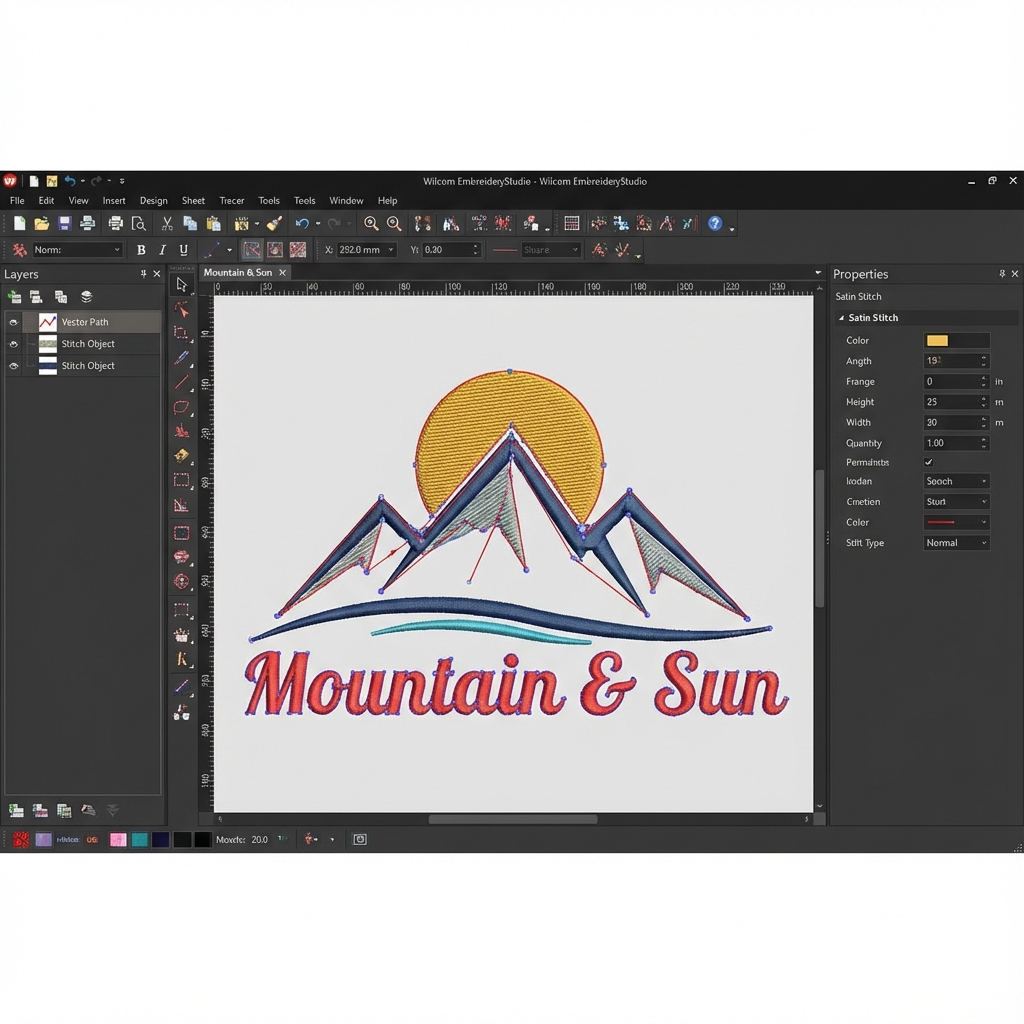
Software "plugins" for Illustrator often produce terrible embroidery. They treat vectors as simple shapes, ignoring the physics of thread and fabric. We manually re-create your design in Wilcom.
- Proper Pathing
Logical stitch orders that reduce machine travel time and trims.
- Push & Pull Compensation
Adjusting vector shapes to account for fabric stretch/shrinkage.
- Correct Underlay
Foundation stitches that stabilize the fabric before the top coat.
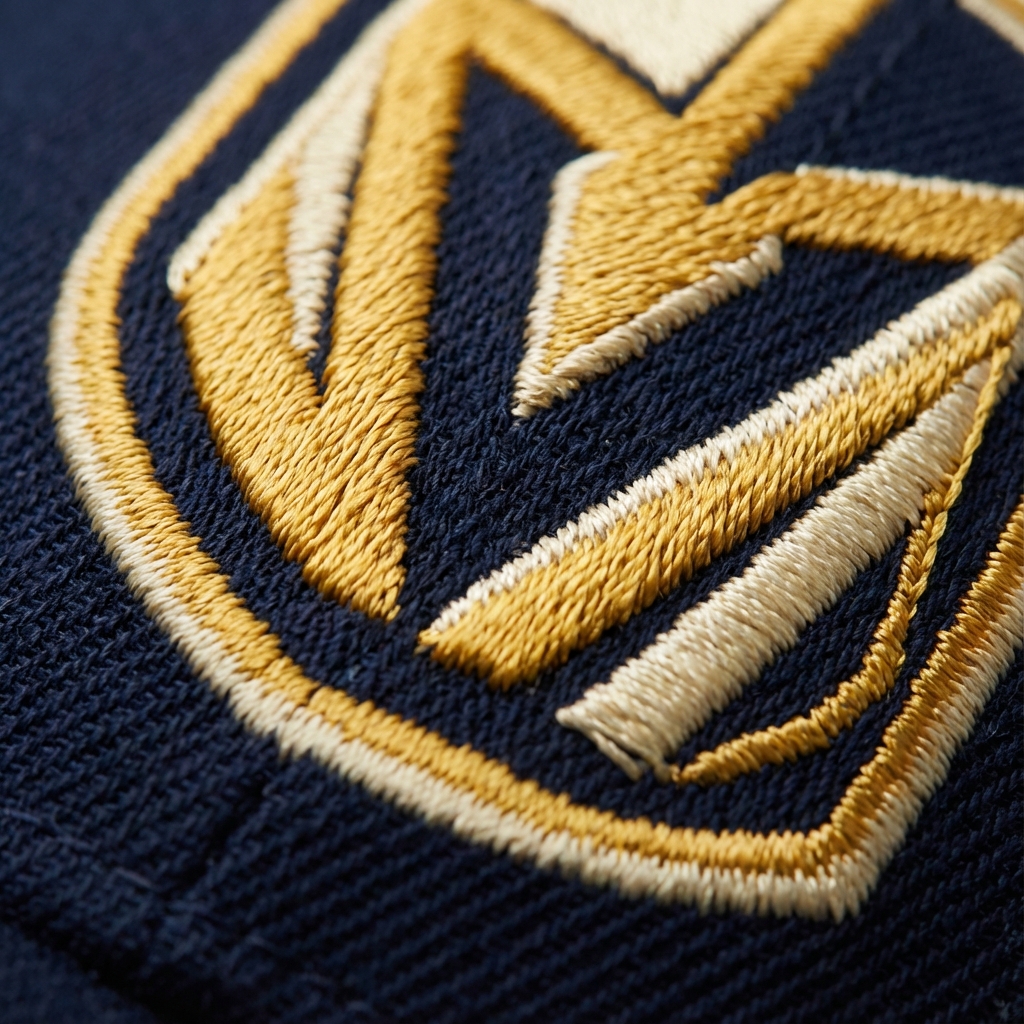
Flawless Stitch-outs on Any Machine
Whether you run a single-head Brother or a 12-head Tajima, our files are optimized to run smoothly with zero thread breaks.
Sharp Small Text
Perfectly legible names even at small sizes.
Gradient Blends
Converting vector gradients into smooth thread blends.
3D Puff Ready
Expert structure for foam-capped hats.
Appliqué Support
Placement, tack-down, and satin runs correctly ordered.
Compatible with: Tajima, Barudan, Brother, Janome, Melco, Happy, SWF, Bernina
Professional Digitizing Rates
Consistent quality, transparent pricing. No setup fees.
Perfect for simple names or monograms.
- Text Only
- 1-2 Colors
- Standard Formats
- 24h Delivery
Standard logos and icons for left-chest.
- Text + Icon
- Up to 5 Colors
- Free Revisions
- 24h Delivery
Ideal for vector logos with fine details.
- Detailed Vector Art
- Unlimited Colors
- Stitch File + PDF
- Priority Support
- 12h Priority
Large jacket backs or highly intricate art.
- Jacket Back Size
- Photo-realistic
- Source File (.EMB)
- VIP Support
- 24h Delivery
Need more than 50 designs a month? We offer bulk discounts.